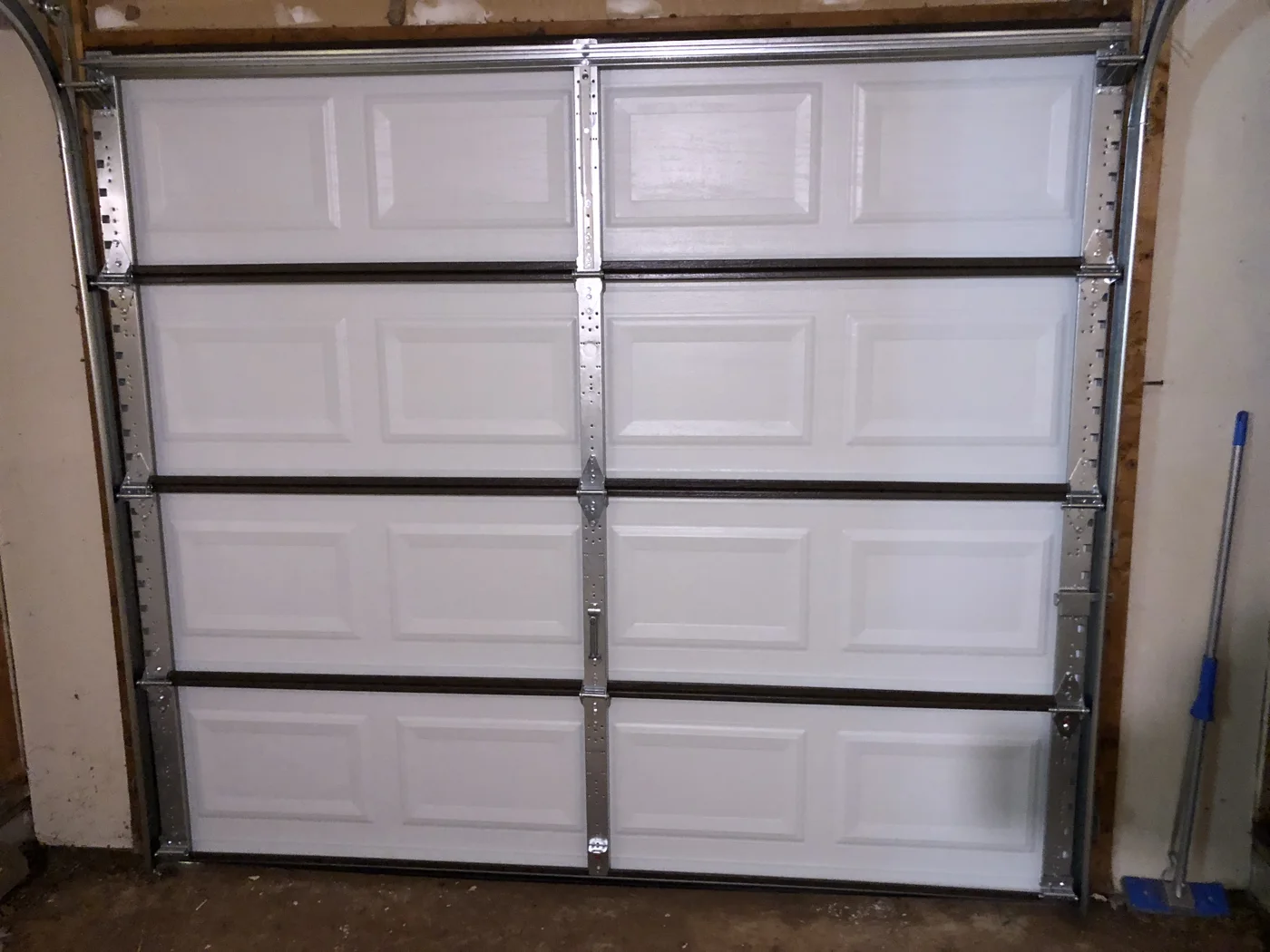

A little preparation can make a garage door visit easier to coordinate. The goal is to give the company useful information and agree on how work will be approved. It is not to diagnose the problem or make the equipment ready by repairing it yourself.
If the door looks damaged or unstable, keep people away and tell the company before the appointment. Do not move it for a better photograph.
Start with a safe access plan
Tell the scheduler whether there is another entrance, whether a vehicle is inside, and whether the door is open or closed. Explain any access restrictions that will affect the visit.
Do not promise to raise, lower, or disengage a malfunctioning door before the technician arrives. Ask the company how it wants to handle access given the condition you described.
DASMA’s TDS 167 warns against operating a door with a broken spring and against attempting repairs or adjustments to spring-system parts and attachments. Do not try to create a “safe enough” opening by pulling on the release or loosening hardware.
Write a short problem history
Record what you noticed, when it began, and whether it happened after an impact, interruption, or prior service. Note sounds or messages already observed. If a symptom is intermittent, say so without repeatedly triggering it.
Include recent repairs from your records. Distinguish your own observations from another provider’s diagnosis. If a previous company recommended a part, share the written proposal rather than translating it from memory.
Collect equipment information already available
Have the door and opener manuals, invoices, and warranty documents ready. Existing model photographs are helpful. If the model is unknown, say that; identification can be part of the service request.
Do not remove covers, climb on equipment, or reach into the door assembly to fill a blank in your notes. The company can tell you which information is essential before the visit.
Confirm the visit and approval terms
Ask the company to confirm the business name, arrival window, diagnostic charges, and any charge that applies if you decline the repair. Ask whether a quoted repair price is provisional pending inspection.
Agree on who can authorize the work. If you will be away, ask how the technician will contact you, send the proposal, and obtain approval. Do not rely on a household member to infer your budget or preferences.
Keep appointment messages in one place so you can find the terms if there is a scheduling change.
Prepare the surrounding area without touching equipment
If it is safe to do so, move ordinary household items away from the technician’s intended work area. Keep children and pets elsewhere. Explain anything you cannot safely move.
Do not enter beneath a questionable door, reposition supporting objects, or touch cables and brackets to clear space. Let the provider assess the working conditions.
Finish with a documented handoff
Before the visit ends, ask the technician to explain the fault, completed work, and any unresolved concern. Request the invoice, warranty terms, and manufacturer instructions relevant to the work.
DASMA identifies door balance, the operator, and entrapment protection as important to safe operation. Ask which applicable checks were completed; a successful opening-and-closing demonstration alone does not document every safety function.
Should I buy a part in advance? Ask first. An unconfirmed purchase can complicate diagnosis, installation, and warranty responsibility.
Can I send a video? Send an existing safe recording if useful; do not operate damaged equipment to create one.
What if the appointment is for a replacement? Add your appearance and use priorities, but keep the same written approval and document-retention process.
Sources & further reading
Sources provide technical background. Worksheets and comparison questions are editorial guidance, not an equipment diagnosis.
Keep reading
Looking for local context?
Explore the NJ and PA area guides for nearby-place references and questions to confirm with a provider. Business coverage and Google Maps links are added only after verification.